By product
Sovereign AI Workspace17 tools, one login · try free Sigmix OneFree on-device AI app · iPhone Sovereign AI ServersSealed on-prem appliance Sigmix Guard™Scrubbing & audit · optional PCIe card Sigmix ZeroSovereign Windows 11 endpoint StocksIQThe AI analyst for the Saudi market Sigmix GrowthPilotCross-platform CAC & budget AI Muraqaba AISeparate product · video AI Sigmix RedHosted AI software you deploy · newBy industry
Banking & FinanceAligned to SAMA CSF · on-prem Public SectorAligned to NCA ECC-2:2024 · sealed HealthcarePDPL · sealed desktops EducationLighter, adaptive tone EnterpriseCustomer-facing suite · CRM
Featured · our own hardware
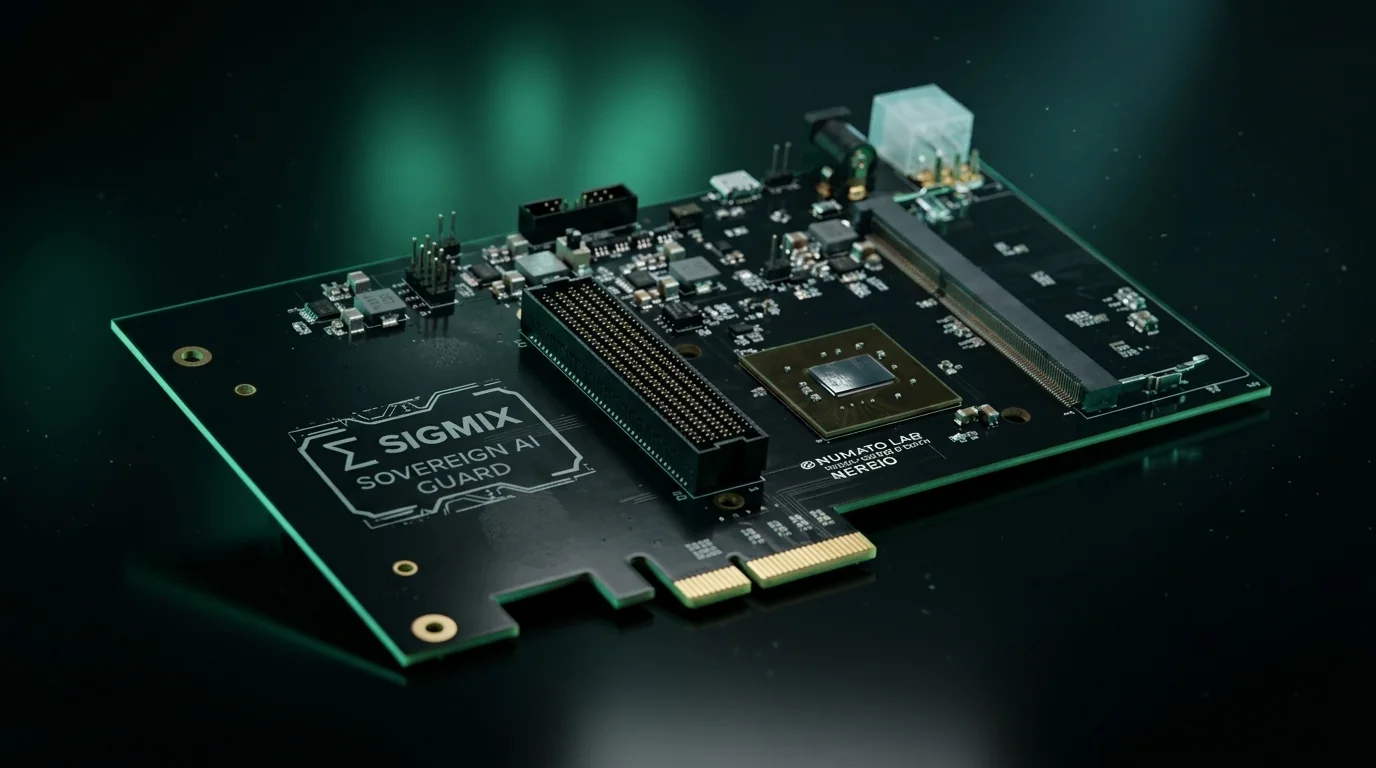
Sigmix Guard™
Our scrubbing & audit layer, running Sigmix-authored firmware — with an optional PCIe card for the appliance.
Explore Sigmix Guard
Sovereignty & compliance
Security postureAligned to NCA ECC-2:2024 · SAMA CSF · PDPL · ZATCA Zero-egress architectureDefault-deny · canary-monitored Sigmix Guard™Independent enforcement layer
// sealed on-prem & on-device
0 bytes egress — nothing leaves
Every request served on-box, sealed from the internet. KSA Cloud runs elastic and in-Kingdom.
See your postureReset access
Locked out? Let's fix that.
Enter the email on your Sigmix account and we will text a one-time code to the Saudi mobile on file. Enter the code with a new password and you are back in.
- The code works once and then expires
- Reset activity is written to your workspace audit trail
- Sealed on-prem deployments reset through your own administrator
No verified Saudi mobile on the account? Ask your workspace administrator to reset your access, or contact support@sigmix.sa.
Check your phone
If that account exists, we’ve texted a 6-digit code to your phone. Enter it below with a new password.
Didn’t get a code? Check the email is correct, or contact support@sigmix.sa