By product
Sovereign AI Workspace17 tools, one login · try free Sigmix OneFree on-device AI app · iPhone Sovereign AI ServersSealed on-prem appliance Sigmix Guard™Scrubbing & audit · optional PCIe card Sigmix ZeroSovereign Windows 11 endpoint StocksIQThe AI analyst for the Saudi market Sigmix GrowthPilotCross-platform CAC & budget AI Muraqaba AISeparate product · video AI Sigmix RedHosted AI software you deploy · newBy industry
Banking & FinanceAligned to SAMA CSF · on-prem Public SectorAligned to NCA ECC-2:2024 · sealed HealthcarePDPL · sealed desktops EducationLighter, adaptive tone EnterpriseCustomer-facing suite · CRMSigmix Guard™
Our scrubbing & audit layer, running Sigmix-authored firmware — with an optional PCIe card for the appliance.
Explore Sigmix Guard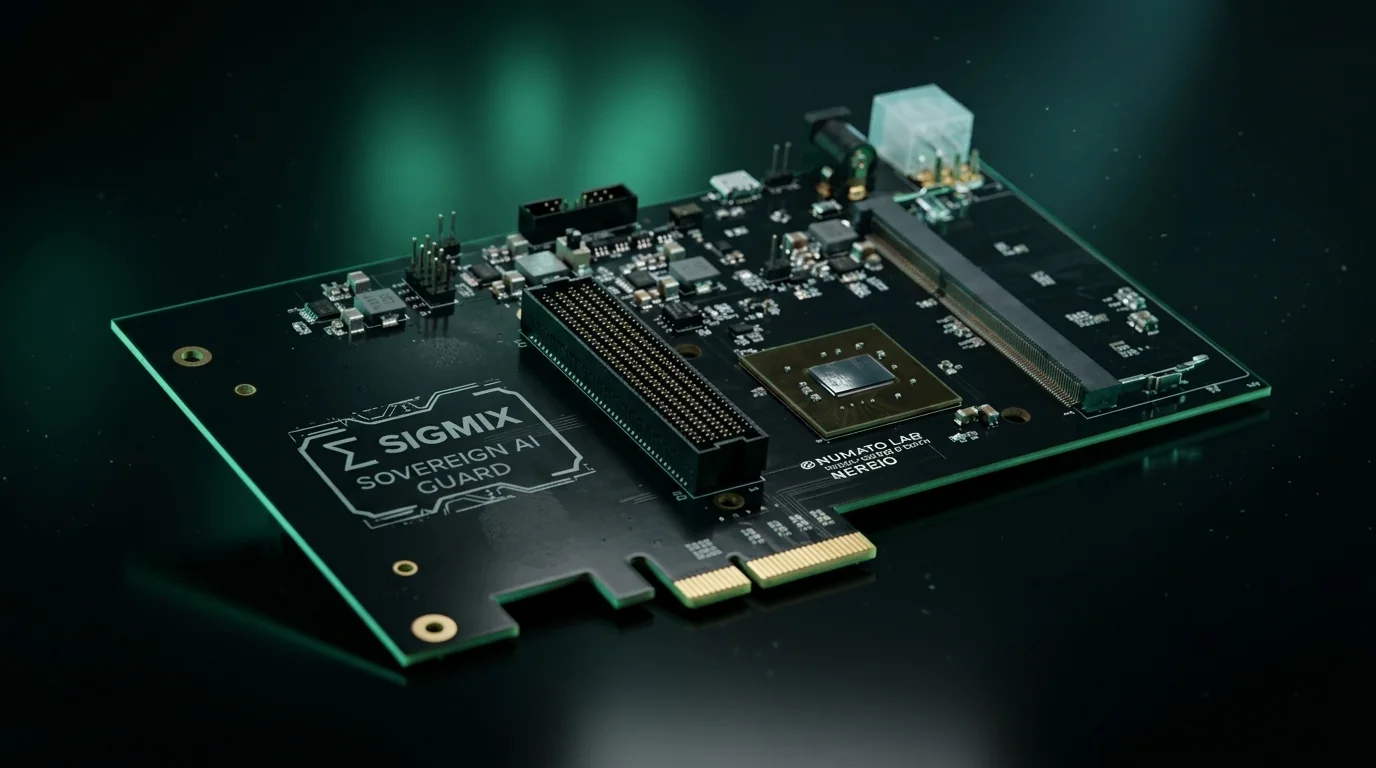
Sovereignty & compliance
Security postureAligned to NCA ECC-2:2024 · SAMA CSF · PDPL · ZATCA Zero-egress architectureDefault-deny · canary-monitored Sigmix Guard™Independent enforcement layer0 bytes egress — nothing leaves
Every request served on-box, sealed from the internet. KSA Cloud runs elastic and in-Kingdom.
See your postureThe whole sovereign workspace, on one Windows 11 device.
Sigmix Zero is our own Windows 11 hardware — a sealed, on-device AI workstation that runs the full Sigmix suite locally. Zero cloud, zero outbound connections, for the most sensitive desks in the Kingdom.
// on-device models · zero outbound connections · Sigmix Guard inside
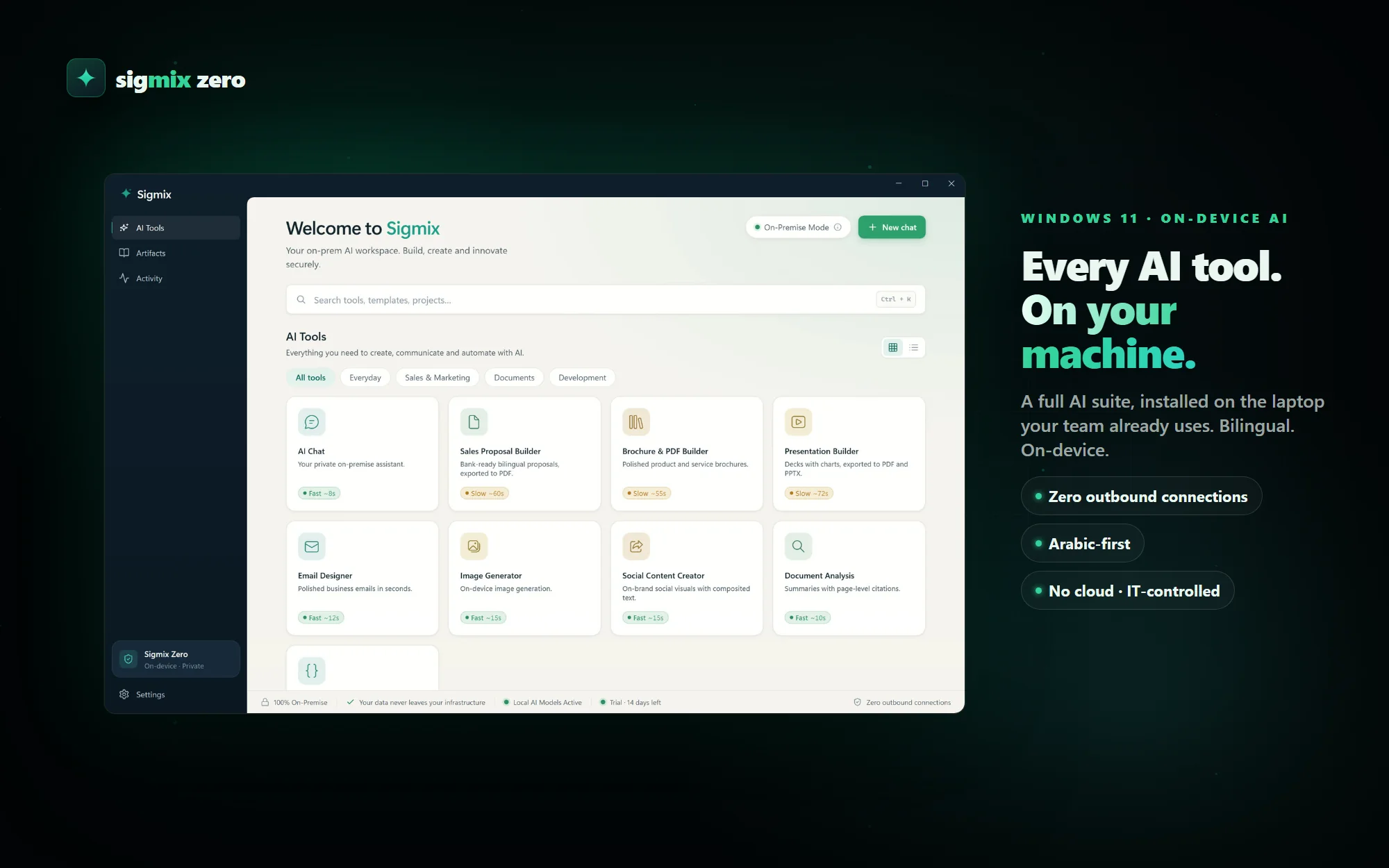 Sigmix Zero · Windows 11 · on-device
Nothing to call home to.
Most "secure AI" laptops are ordinary machines with a policy attached. Zero is built the other way round: the models are already on the device, so there is nothing the network needs to carry.
On-device models
Chat, documents, images and code run on local models — your data never leaves the machine, because the model is already sitting on it.
Zero outbound connections
Default-deny networking with a live On-Premises Mode indicator on screen — the same posture as the rack, on a desk.
Sigmix Guard inside
The scrubbing and audit-anchor layer runs on the endpoint too, so PII is redacted before it ever touches a document. How Guard works →
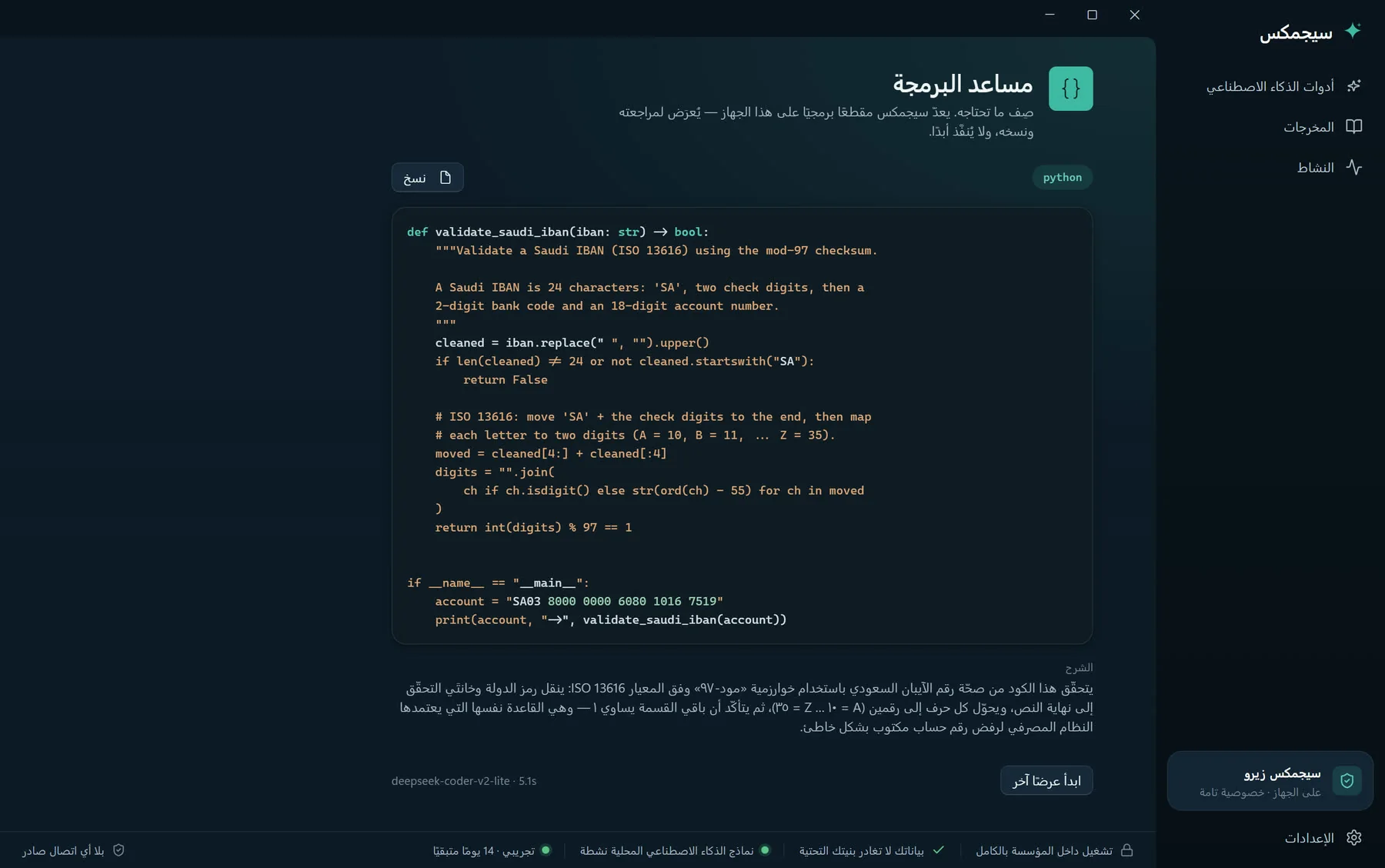
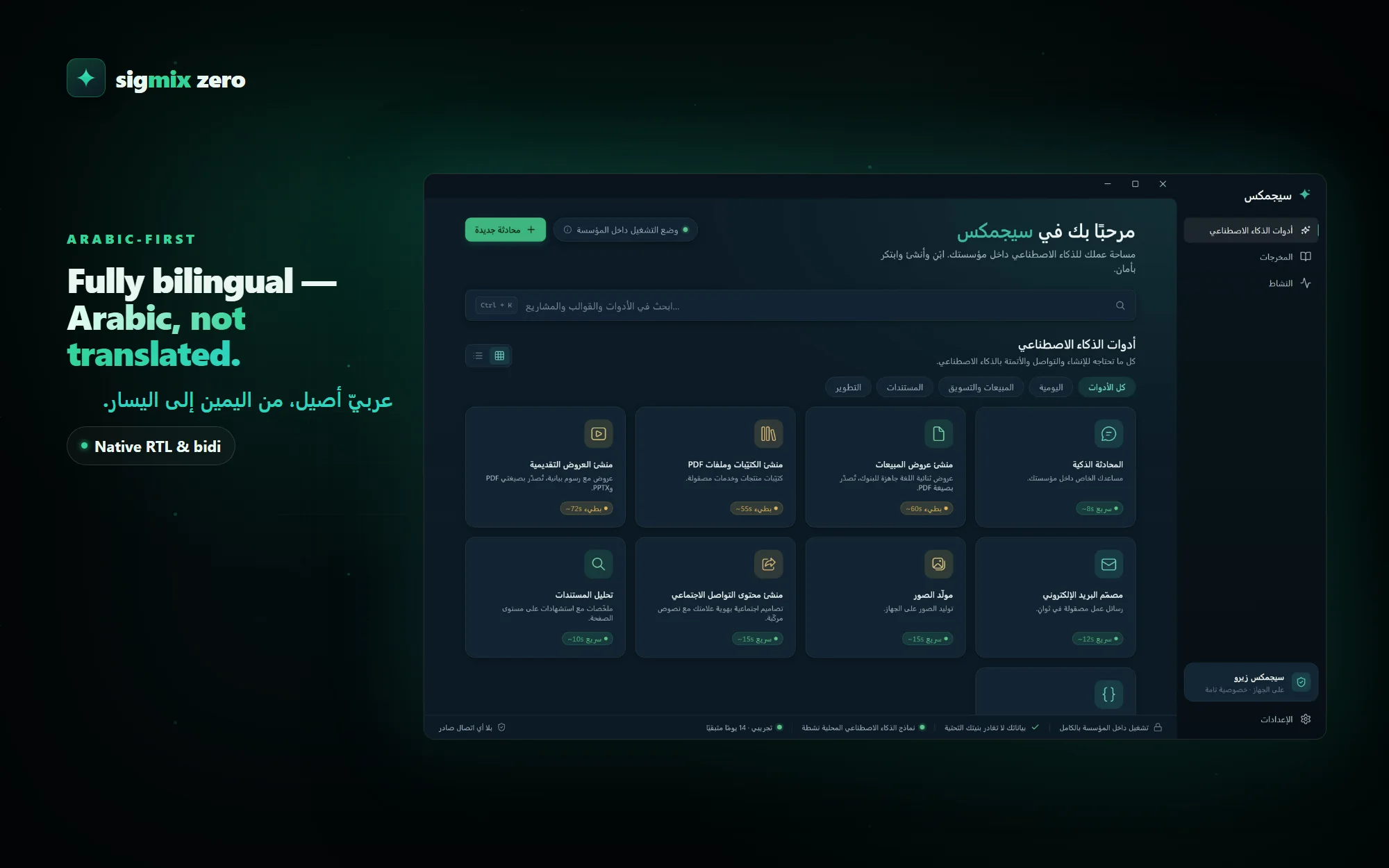
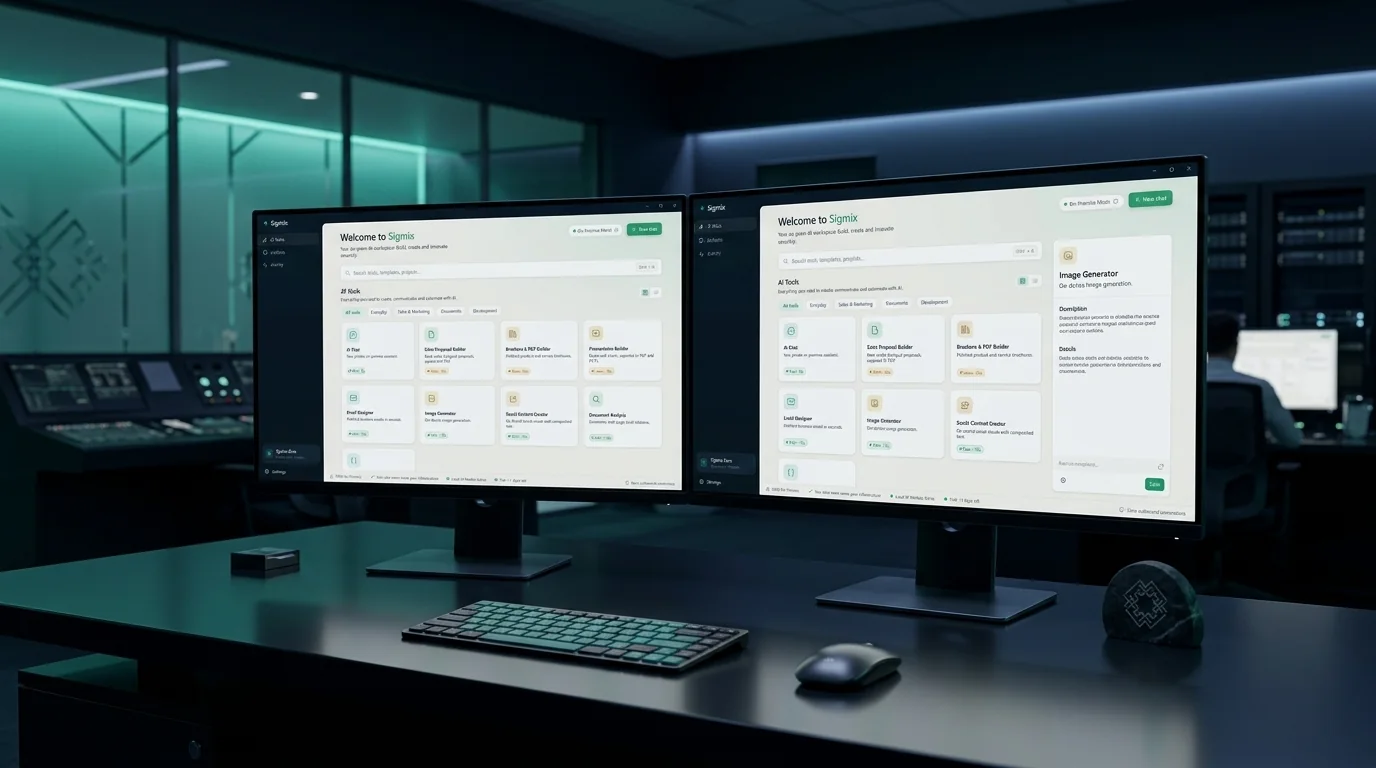
The full suite, running on the machine in front of you.
Not a thin client, not a remote session. These are the real screens, rendering locally with the network off.
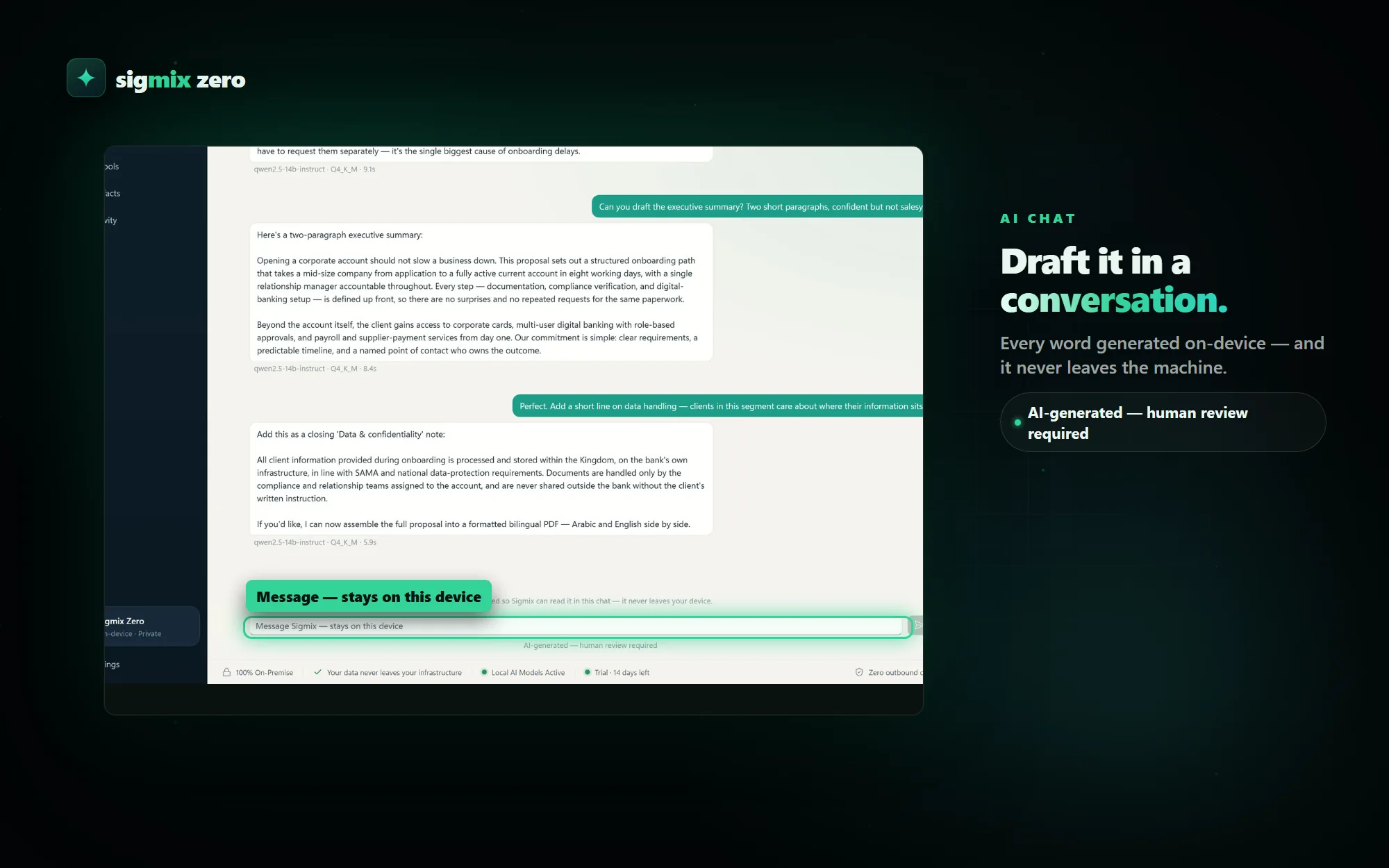
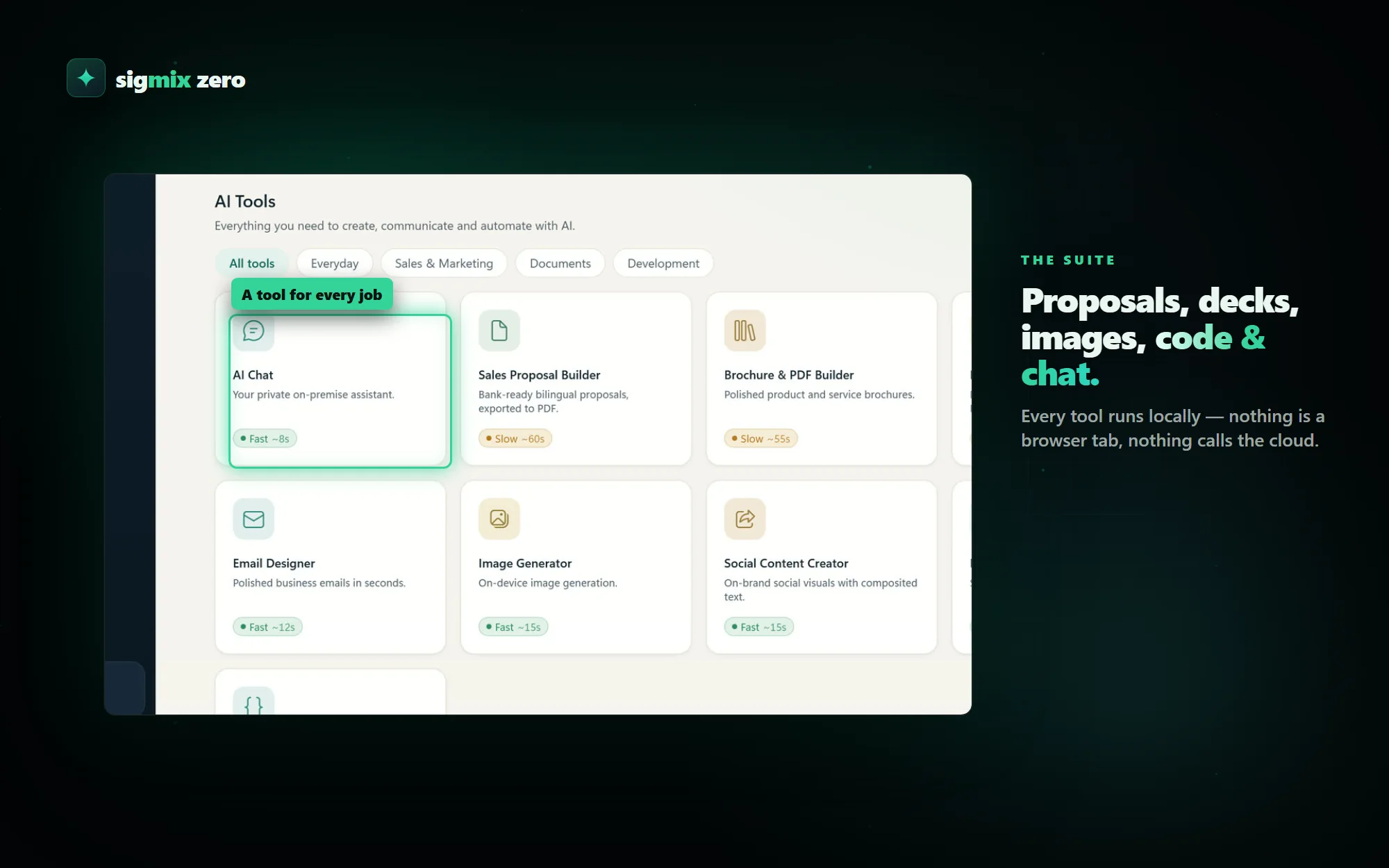
 The device · sealed & offline
The desks that can't use the cloud.
Legal, HR, board and ministry desks where the document on screen is the reason the cloud was never an option.
A sealed machine, or a portable folder.
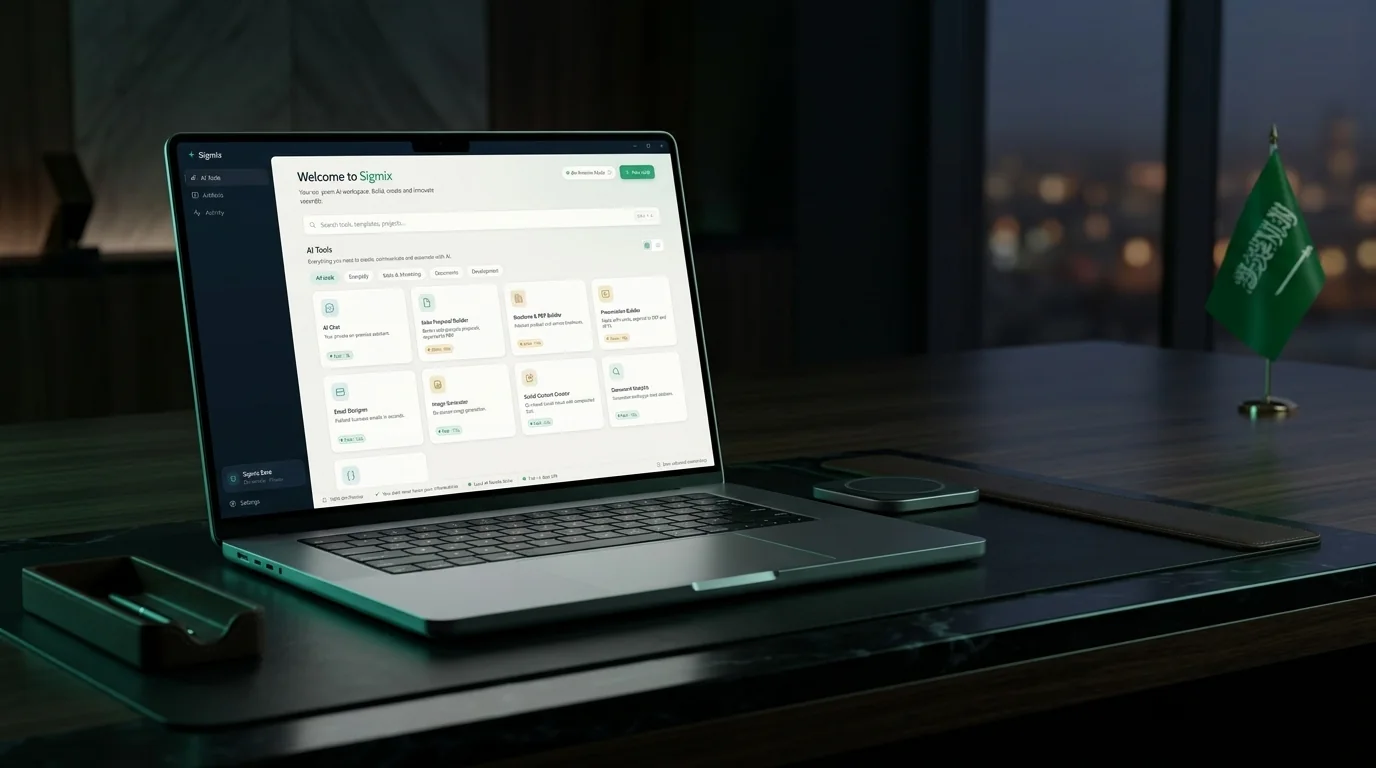
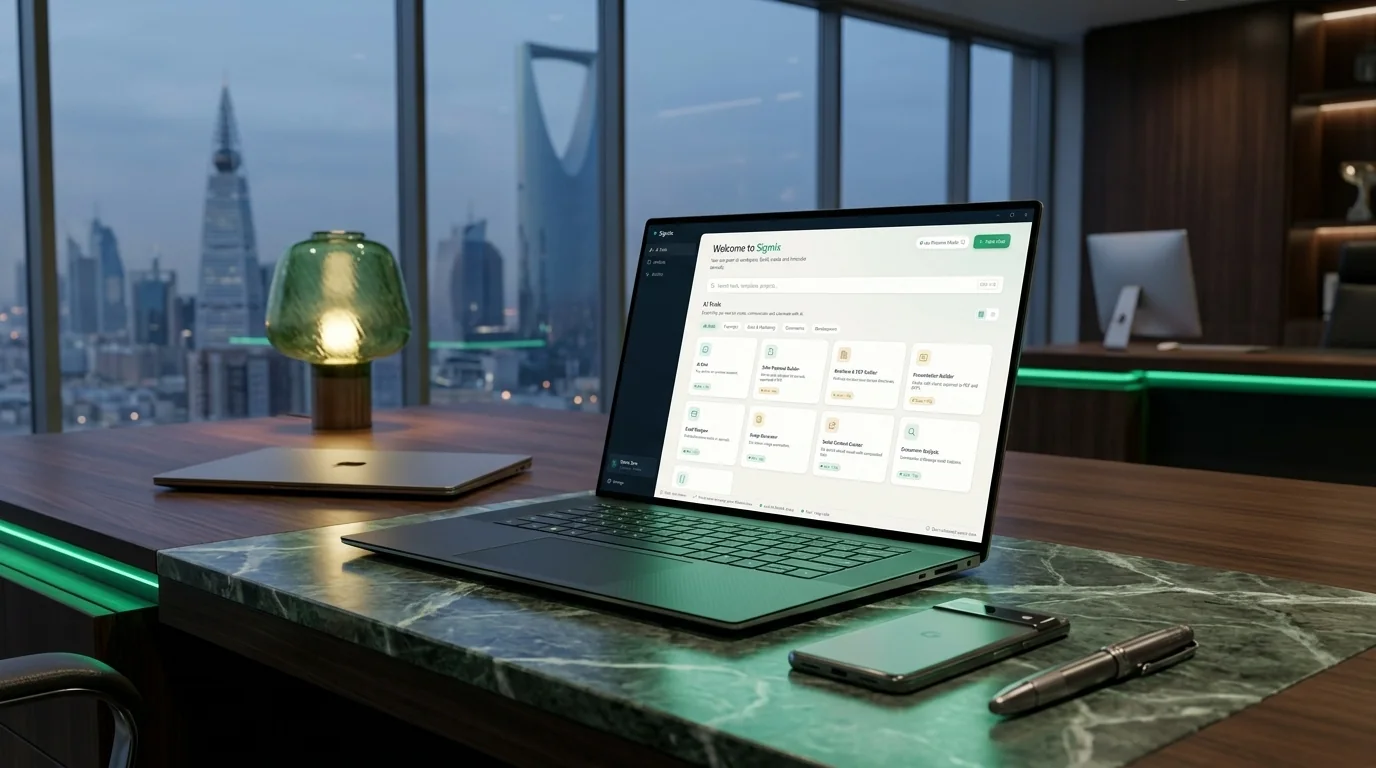
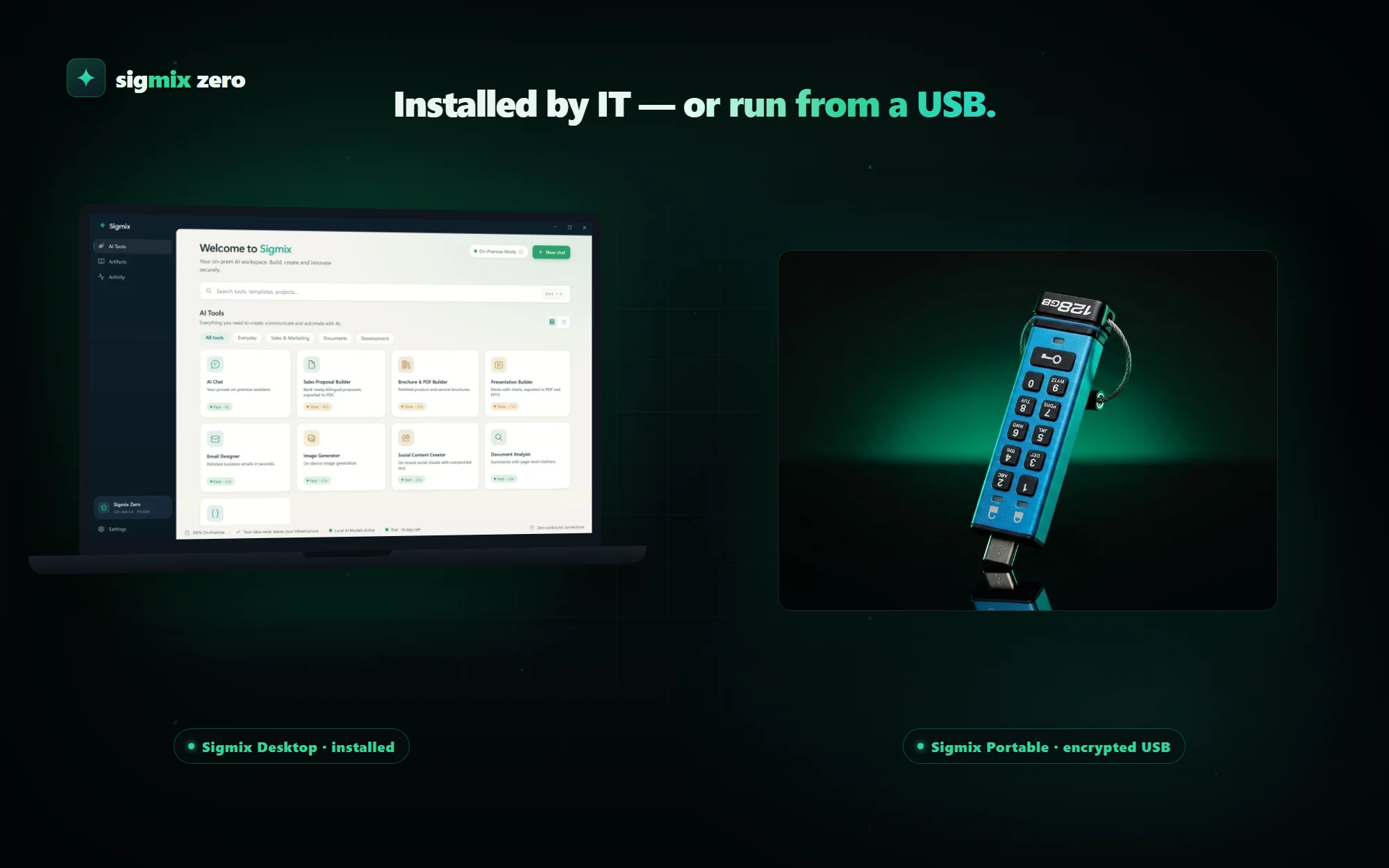
Zero ships as our own Windows 11 hardware for the most sensitive desks. For teams that already have locked-down machines, the same suite runs as a portable folder — copy and run, no installer and no network — so a sealed environment can be served without new procurement.
 Sealed device · portable edition
Deploy it the way your IT already works.
Sigmix Zero and the Sigmix workspace ship as native Windows software your team pushes through its existing tooling — no new agents, no exceptions to your baseline. Silent install, managed mode, and fully sealed operation are all covered.
Microsoft Intune
Push the .intunewin package to managed endpoints straight from the cloud. This is a software-distribution channel for your IT admins — the installed application itself still makes no outbound connections.
Configuration Manager
On-prem software distribution through your existing MECM infrastructure.
Group Policy (GPO)
MSI deployment plus an ADMX / registry policy template for locked-down managed mode.
The installer
A signed WiX .msi (silent install) or an NSIS setup.exe — pushed by any channel above.
Sealed / USB
The portable Sigmix Zero folder — copy and run, no installer and no network, for sealed environments.
// silent install · managed mode via ADMX/registry · your existing tooling · zero new agents
Full right-to-left · عربي
Arabic on the device, not via a server.
The whole interface mirrors to full right-to-left, and the Arabic output is generated by an Arabic-first model rather than translated. Because the model is local, that holds with the network unplugged — which is the point of the machine.
For IT, security and procurement
Does it work with no network at all?
Is it as capable as the rack?
Do we have to buy your hardware?
How do we deploy it across a fleet?
How are models updated on a sealed machine?
Is the installer signed?
Put one on a desk.
The fastest way to judge Zero is to unplug it. Request a unit, hand it to the team with the most sensitive documents in the building, and see what they can do with the network off.