By product
Sovereign AI Workspace17 tools, one login · try free Sigmix OneFree on-device AI app · iPhone Sovereign AI ServersSealed on-prem appliance Sigmix Guard™Scrubbing & audit · optional PCIe card Sigmix ZeroSovereign Windows 11 endpoint StocksIQThe AI analyst for the Saudi market Sigmix GrowthPilotCross-platform CAC & budget AI Muraqaba AISeparate product · video AI Sigmix RedHosted AI software you deploy · newBy industry
Banking & FinanceAligned to SAMA CSF · on-prem Public SectorAligned to NCA ECC-2:2024 · sealed HealthcarePDPL · sealed desktops EducationLighter, adaptive tone EnterpriseCustomer-facing suite · CRMSigmix Guard™
Our scrubbing & audit layer, running Sigmix-authored firmware — with an optional PCIe card for the appliance.
Explore Sigmix Guard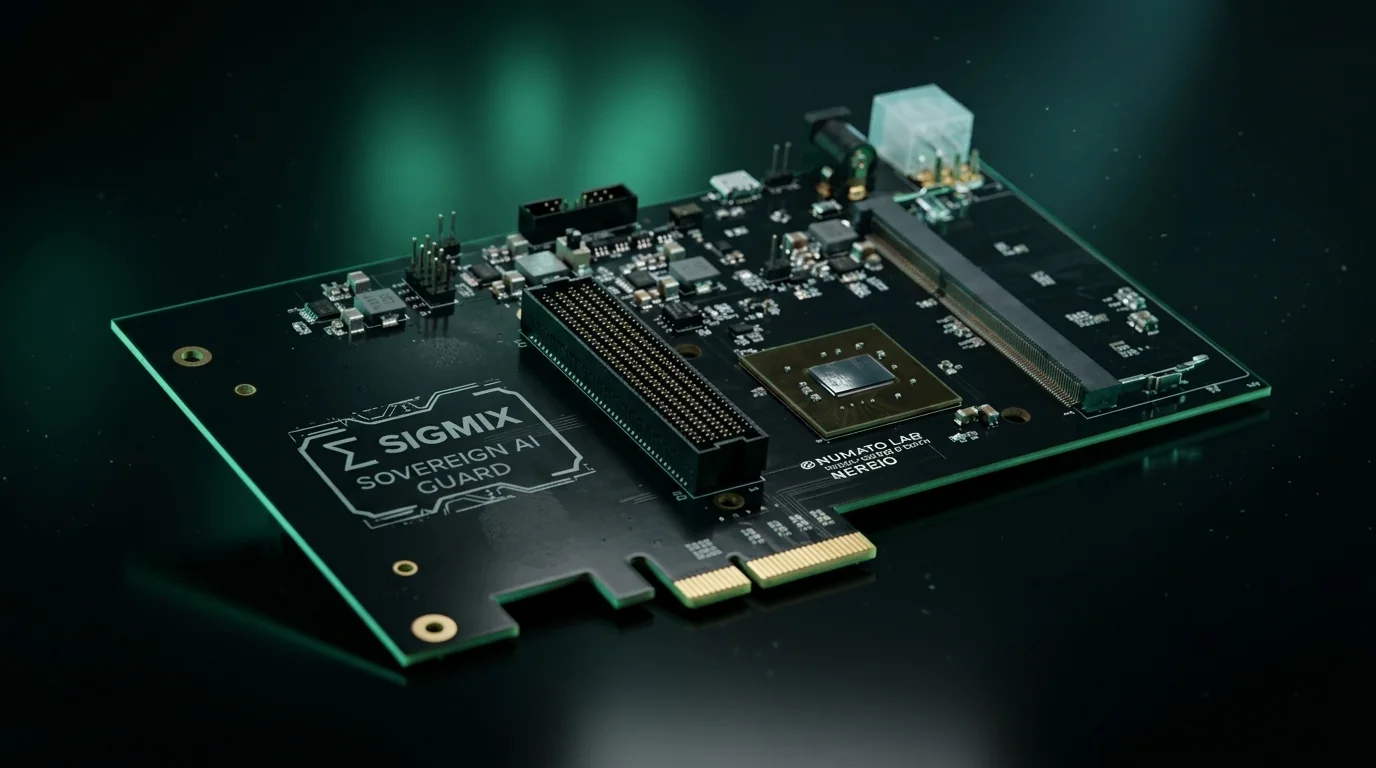
Sovereignty & compliance
Security postureAligned to NCA ECC-2:2024 · SAMA CSF · PDPL · ZATCA Zero-egress architectureDefault-deny · canary-monitored Sigmix Guard™Independent enforcement layer0 bytes egress — nothing leaves
Every request served on-box, sealed from the internet. KSA Cloud runs elastic and in-Kingdom.
See your posture
Give your students the gift of AI.
Not a lab full of AI equipment — a productivity suite in every student's hands. Essays, research, revision, presentations, code and job applications, in Arabic and English, on tools the institution owns and pays a flat price for.
The tools a student actually uses, every week.
This is a productivity suite, not an AI lab. Nothing to install, nothing to configure — a student signs in with their university account and starts working.
Essays & assignments
Structure an argument, tighten a draft, check the reasoning — in Arabic or English, with the student doing the thinking.
Research & reading
Summarise papers, pull out the argument, ask questions across a reading list instead of re-reading it at 2am.
Presentations
Slide decks and speaker notes from a set of findings — the part that always gets done the night before.
Coding & projects
Explains as much as it drafts. For engineering and CS students, a patient tutor that never gets tired of the question.
Revision & explanation
Re-explain a concept three different ways until it lands. The tutoring a student would otherwise have to pay for.
CVs & job applications
Graduating students draft applications, cover letters and interview prep — bilingual, for a bilingual job market.
A fixed cost beats a metered one when 4,000 students log in.
Most institutions that pilot AI succeed technically and then stall commercially. The pilot cost almost nothing because thirty people used it. Roll it out to the whole cohort and the invoice becomes unbudgetable — so the rollout quietly doesn't happen.
Per-token pricing punishes you for succeeding.
On a metered API, the better your adoption the worse your bill. A department that uses it heavily during exam season generates a spike nobody forecast, and the finance office responds the only way it can — by capping usage. The students who most needed the tool are the ones who lose it.
An appliance inverts that. You buy the compute once, and every additional student, class and assignment costs nothing more. The budget line is known before term starts and does not move — which is the only way an institution can commit to putting a tool in front of an entire cohort.
Usage spikes at exam and submission time — exactly when students need it. Budgets get capped, access gets rationed, and the tool becomes a privilege rather than a resource.
One capital line, forecastable per year. Ten students or ten thousand, the invoice is the same. Faculty can design the tool into a course without asking finance first.
Set the boundaries centrally. Once.
The objection to AI in education is rarely the technology — it is that nobody can see what students are doing with it, or stop the parts the institution is not comfortable with. That is an administration problem, so it needs an administration answer.
Capability gates per faculty
Turn tools on and off by department. A medical faculty and a design faculty do not need the same suite, and you decide that centrally rather than per student.
Audit trail of who changed what
Every capability change is recorded — who enabled it, when. When a policy question arrives later, the answer is in the log rather than in someone's memory.
Keep student data in the Kingdom
Coursework, records and submissions stay on institution hardware, or in the sovereign tools on our in-Kingdom cloud — the Global tools are labelled and run outside the Kingdom. Nothing is used to train a model — yours, ours or a vendor's.
Adaptive tone for learners
Output pitched for teaching rather than for a risk committee — explanatory, patient, and willing to show the working rather than just the answer.
Built for academic integrity
The institution sets the policy; the platform enforces it and records it. Use it to teach with the tool rather than to police it after the fact.
The graduate who already knows how.
A student who leaves university fluent in these tools starts their career ahead of one who was told the institution could not afford the licence. That gap is not academic — it shows up in the first job application, and it compounds for years afterwards.
Right now that advantage is going to students whose families can pay for a personal subscription. An institution that provides the suite hands the same advantage to everyone on the roll — the scholarship student and the self-funded one, in the same week, with the same tools.
That is the part worth spending on. Not AI equipment in a lab that thirty people book — a productivity suite in four thousand students' hands.
 Graduates who already know how
What the gift actually looks like, student by student.
Reading lists become answerable. Essays get structured instead of stared at. The student who would have quietly fallen behind, doesn't.
Code that gets explained rather than copied. Presentations, group projects and research that go further because the grunt work is shorter.
CV, cover letter and interview prep in both languages — and three years of fluency in the tools their employer is already buying.


The staff workload is the quiet win.
Teaching material, assessment drafting, admissions correspondence, research summarisation and internal reporting are all bilingual document work — which is precisely what the suite is for. Faculty tend to feel the benefit before students do.
And because the cost is fixed, nobody has to justify a department's usage line by line at the end of term.
 Teaching material & assessment

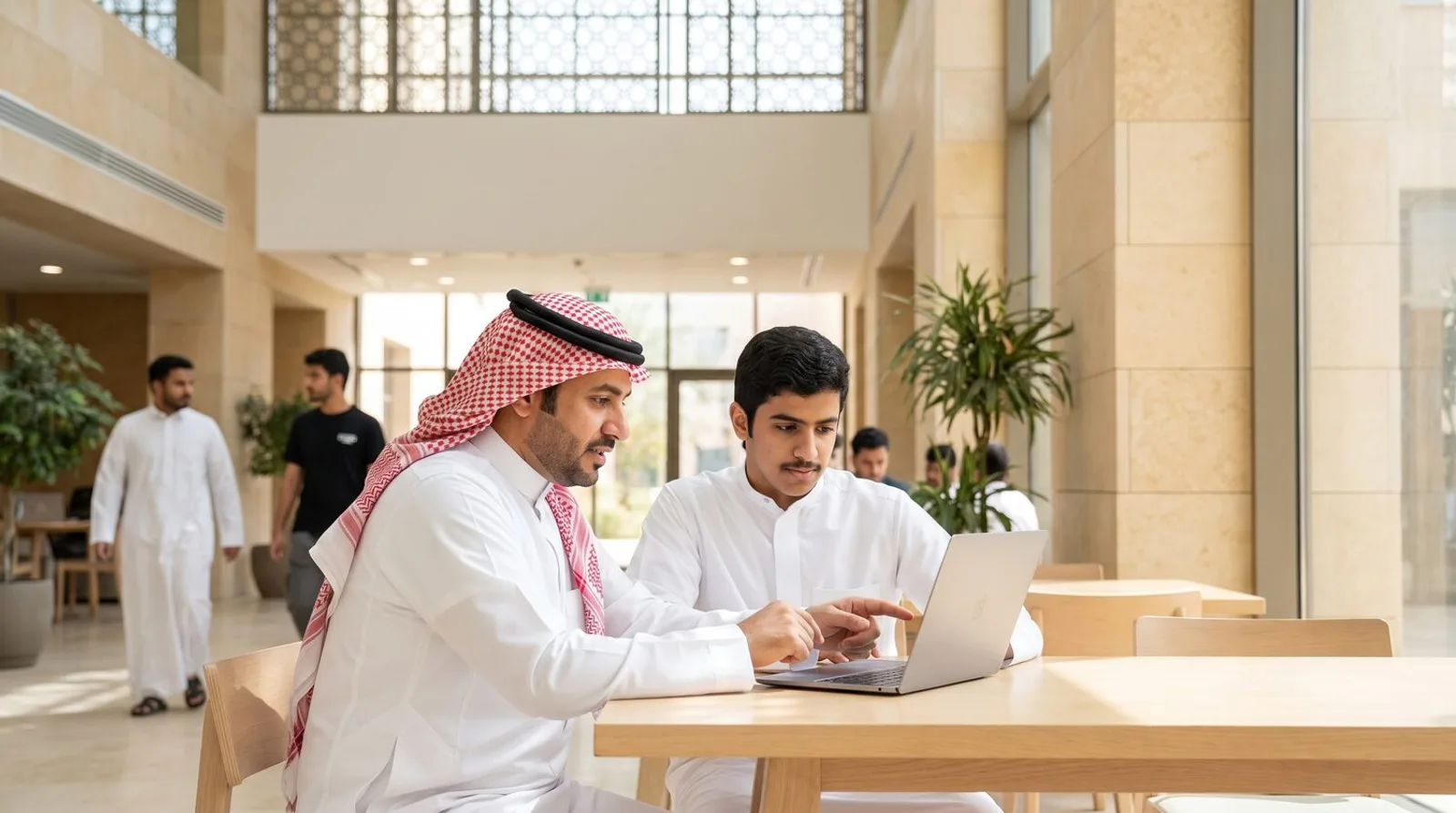
Usually a rack, sometimes the cloud.
Most universities land on an on-prem appliance — it is the posture where the cost stops being per-use, and where research data can stay on campus. The in-Kingdom cloud is common for smaller institutions or a first cohort.
On-prem appliance
The usual answer. One capital line, unmetered use across the institution, and research data that never leaves campus. See the appliance →
In-Kingdom cloud
Faster to start, elastic across faculties, data still resident in Saudi Arabia. A common way to run the first cohort while procurement runs.
Sealed desks where needed
Sigmix Zero for research groups and administrative desks handling material that should not touch a network at all.
For deans, IT and procurement
Is the cost really fixed?
Can we stop students using it for assessed work?
Where does student data go?
Is the Arabic good enough for academic use?
What does a first deployment look like?
Bring your finance office to the first call.
The technical conversation is short. The one that decides it is about cost at full cohort scale — so bring the person who will have to sign for it, and we will size the box against your actual student numbers.