By product
Sovereign AI Workspace17 tools, one login · try free Sigmix OneFree on-device AI app · iPhone Sovereign AI ServersSealed on-prem appliance Sigmix Guard™Scrubbing & audit · optional PCIe card Sigmix ZeroSovereign Windows 11 endpoint StocksIQThe AI analyst for the Saudi market Sigmix GrowthPilotCross-platform CAC & budget AI Muraqaba AISeparate product · video AI Sigmix RedHosted AI software you deploy · newBy industry
Banking & FinanceAligned to SAMA CSF · on-prem Public SectorAligned to NCA ECC-2:2024 · sealed HealthcarePDPL · sealed desktops EducationLighter, adaptive tone EnterpriseCustomer-facing suite · CRMSigmix Guard™
Our scrubbing & audit layer, running Sigmix-authored firmware — with an optional PCIe card for the appliance.
Explore Sigmix Guard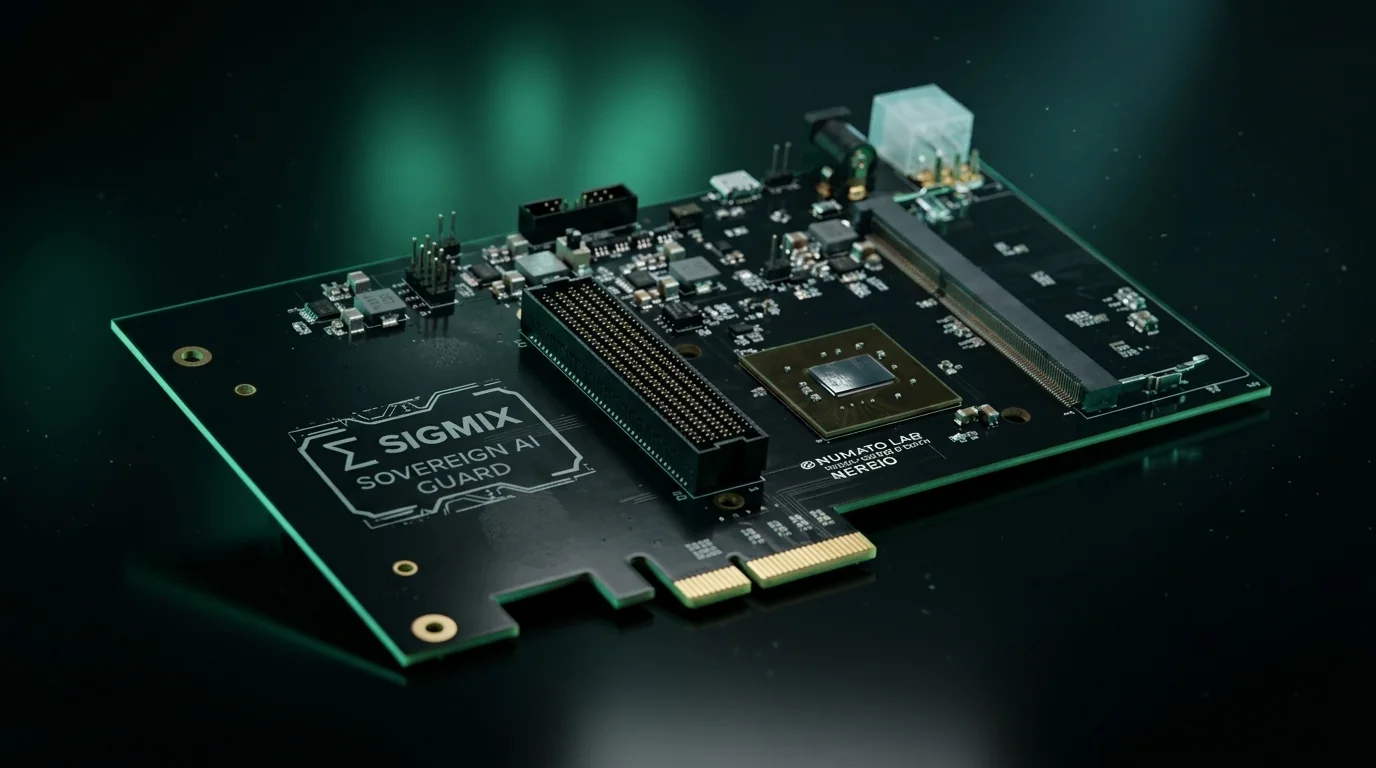
Sovereignty & compliance
Security postureAligned to NCA ECC-2:2024 · SAMA CSF · PDPL · ZATCA Zero-egress architectureDefault-deny · canary-monitored Sigmix Guard™Independent enforcement layerYour weaknesses never leave
Results and evidence stay in the workspace inside your environment; the software only ever reads the systems you selected.
See your postureSigmix Red is hosted AI software your team deploys and activates.
Point it at systems you select. It maps that environment, connects related findings, and holds anything further until someone in your tenant approves it. You start it. You stop it. The software, hosting, and compute stay with Sigmix.
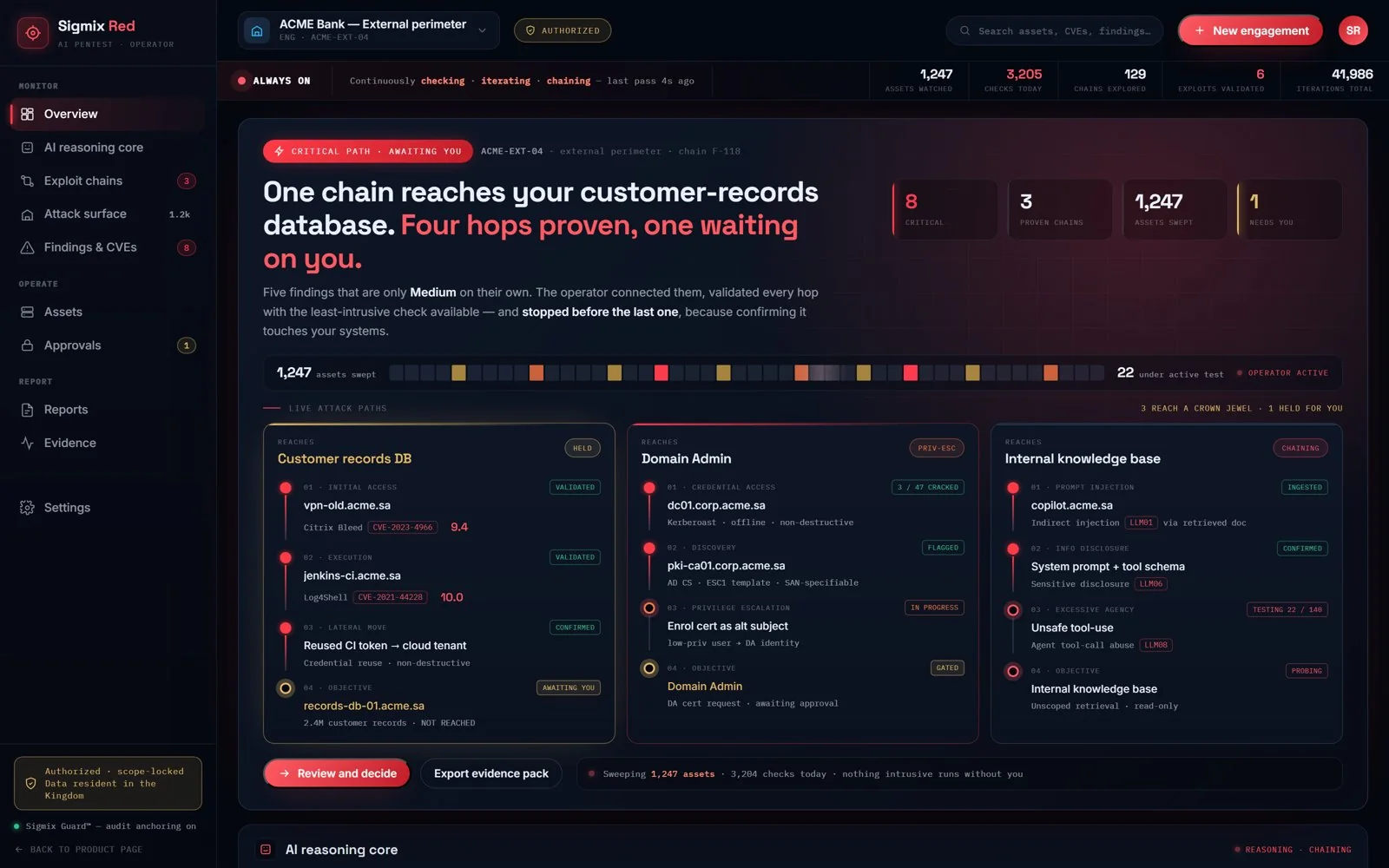
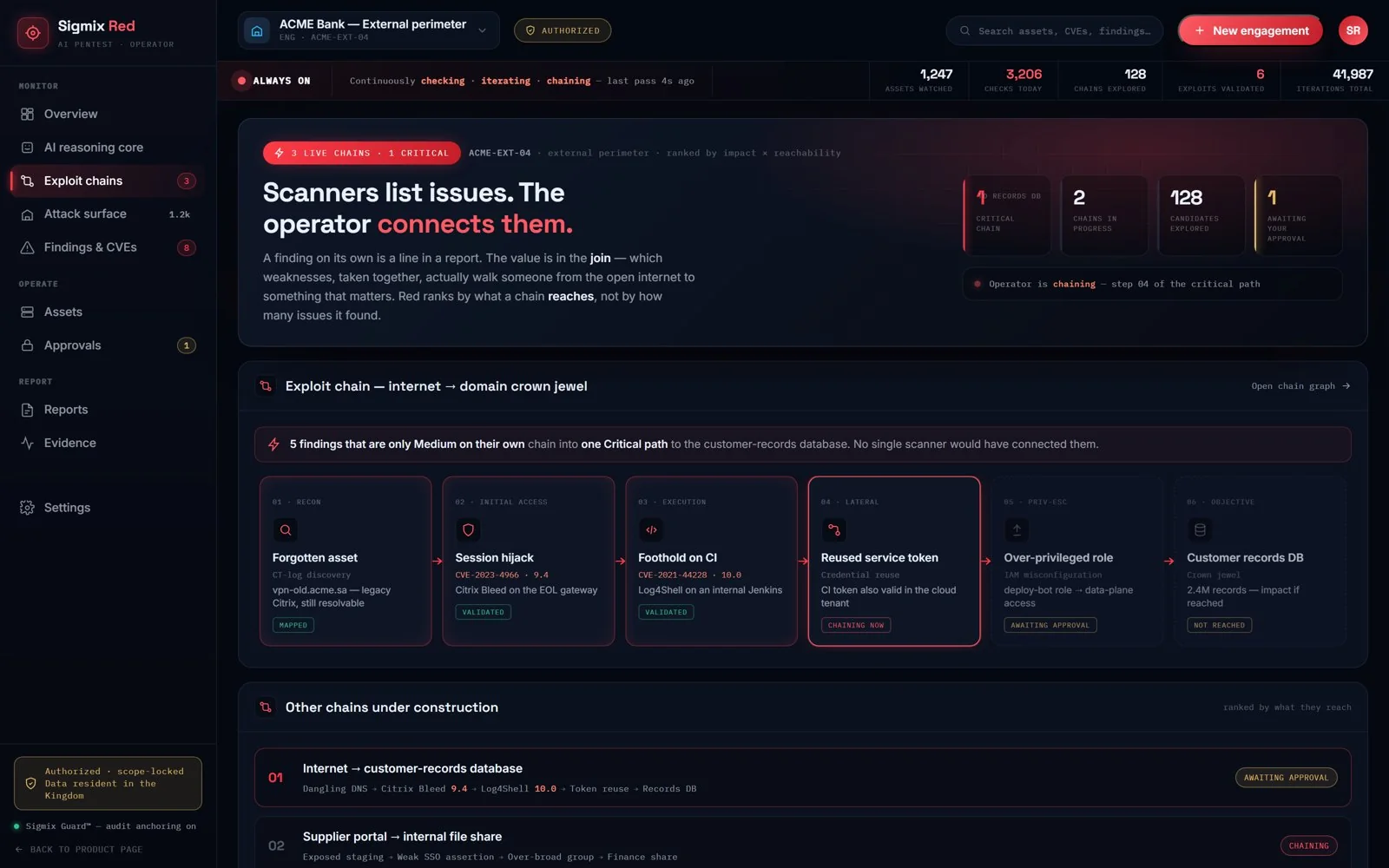
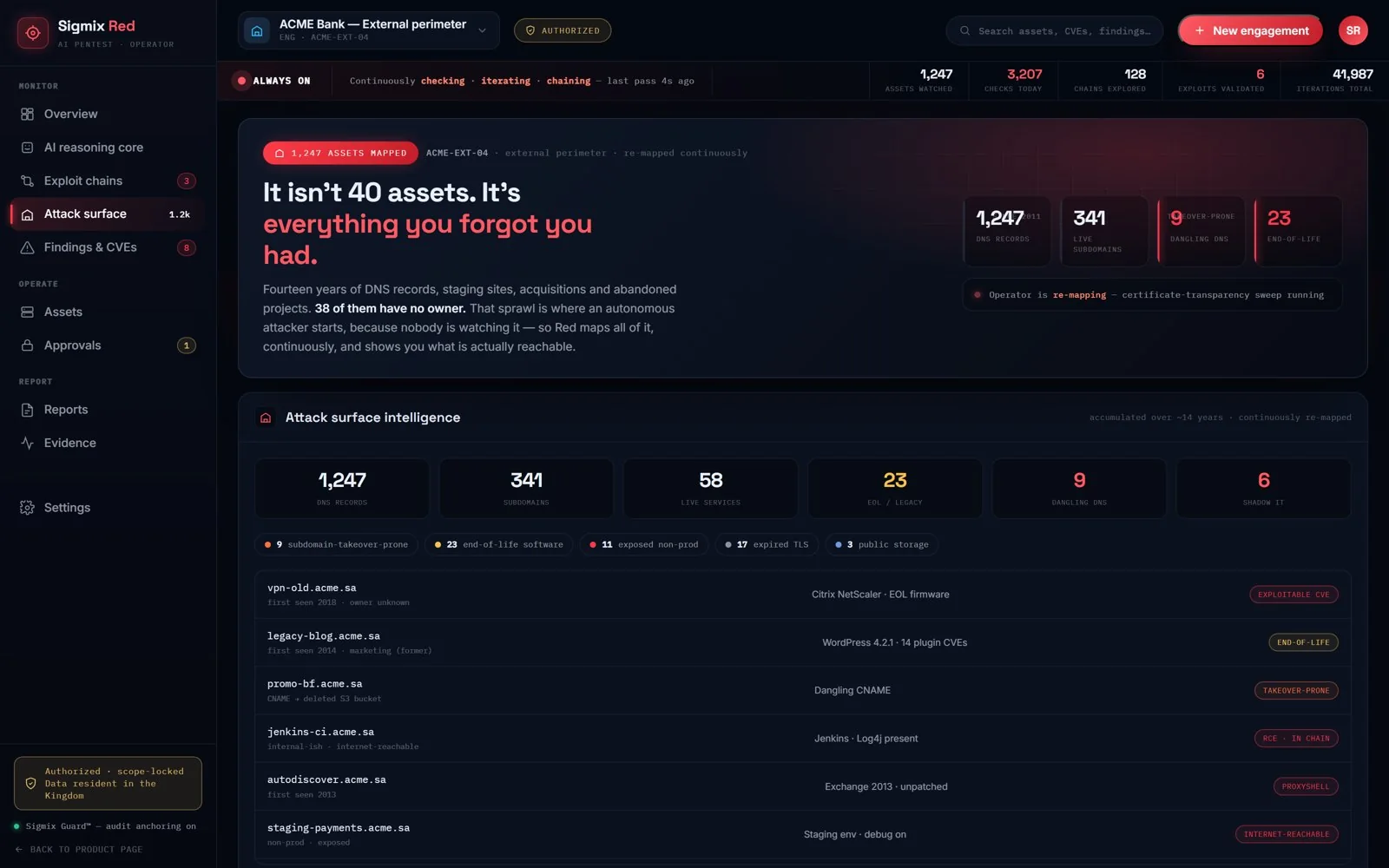
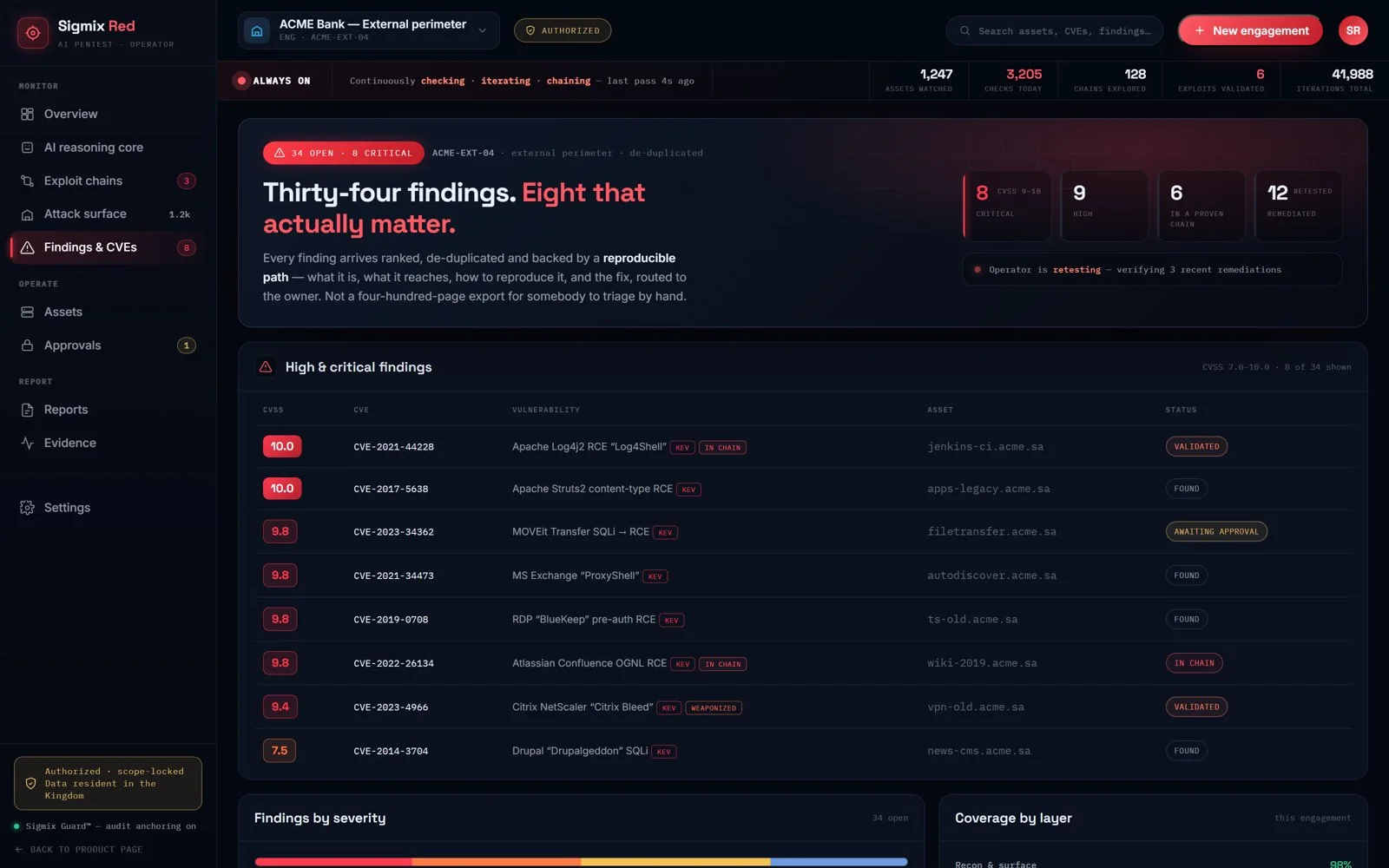
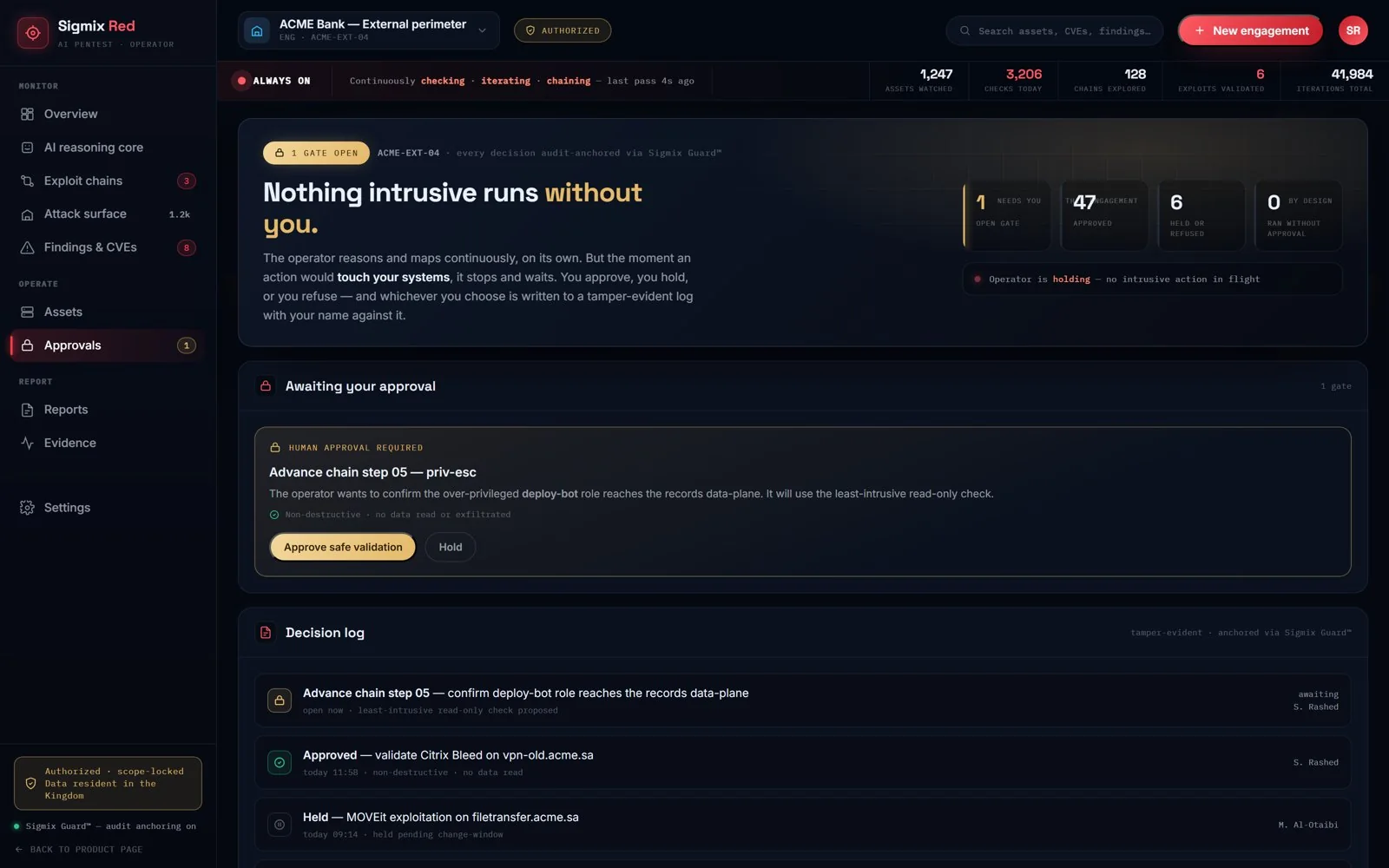
One workspace — five views.
Inside the console your team gets an overview, connected findings, the environment map, ranked items, and the approvals your tenant signs.
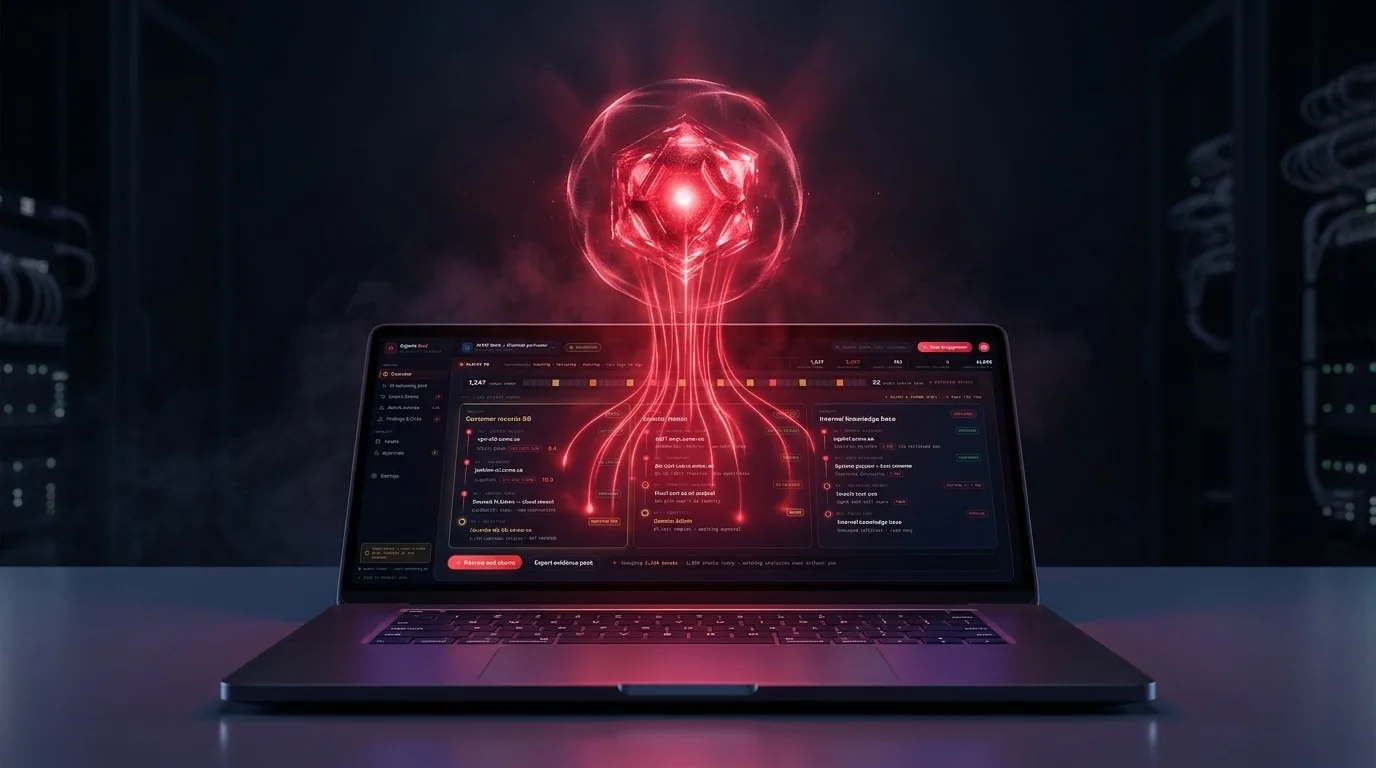
Software that reasons, not a rule list.
Rule engines and exposure scanners are superb at what they have already seen, and they hand back a list. Sigmix Red builds a working model of the environment your tenant selected and reads it from that model — so related items arrive connected as a path, ranked, instead of as thousands of isolated rows.
Strong at the known.
Rules, signatures and heuristics — excellent against known techniques, run on a schedule and summarised after the fact.
- Matches a fixed list of known signatures — blind to anything novel or connected.
- Dumps thousands of isolated issues; a human has to guess which ones connect.
- Runs quarterly or once a year — stale the moment your environment changes.
- Cannot see the chatbots and copilots your own teams now run.
Software that reasons.
An AI model of the environment your tenant selected sits at the core — built from what the software reads there, not from a rule list.
- Reasons about your environment — a working model of the systems you selected, not a signature list.
- Connects related findings into the two or three paths that actually reach something that matters.
- Runs when you activate it — and again when you change the environment, so the picture is never stale.
- Covers your own AI too — the chatbots, copilots and agents legacy tools cannot see.
A hosted application, not a project we deliver.
Your admin creates the tenant, selects the systems, and activates the job. The software reads that scope, builds a model, and stops at the approval gate. Your team reviews the result in the product. Our staff host and support the software. They do not start jobs or choose systems.
- Your tenant, your scope. Your admin creates the tenant, selects the systems, and activates the job — nobody at Sigmix does that for you.
- The software does the work. It reads the scope you selected, builds a model, and stops at the approval gate.
- Connected, not a checklist. Related items are shown as a path, ranked and de-duplicated, each tied to a reproducible path — not a 400-page export.
- Sigmix hosts, and stops there. Our staff host and support the software. They do not start jobs or choose systems.
It's not 40 assets. It's everything you forgot you had.
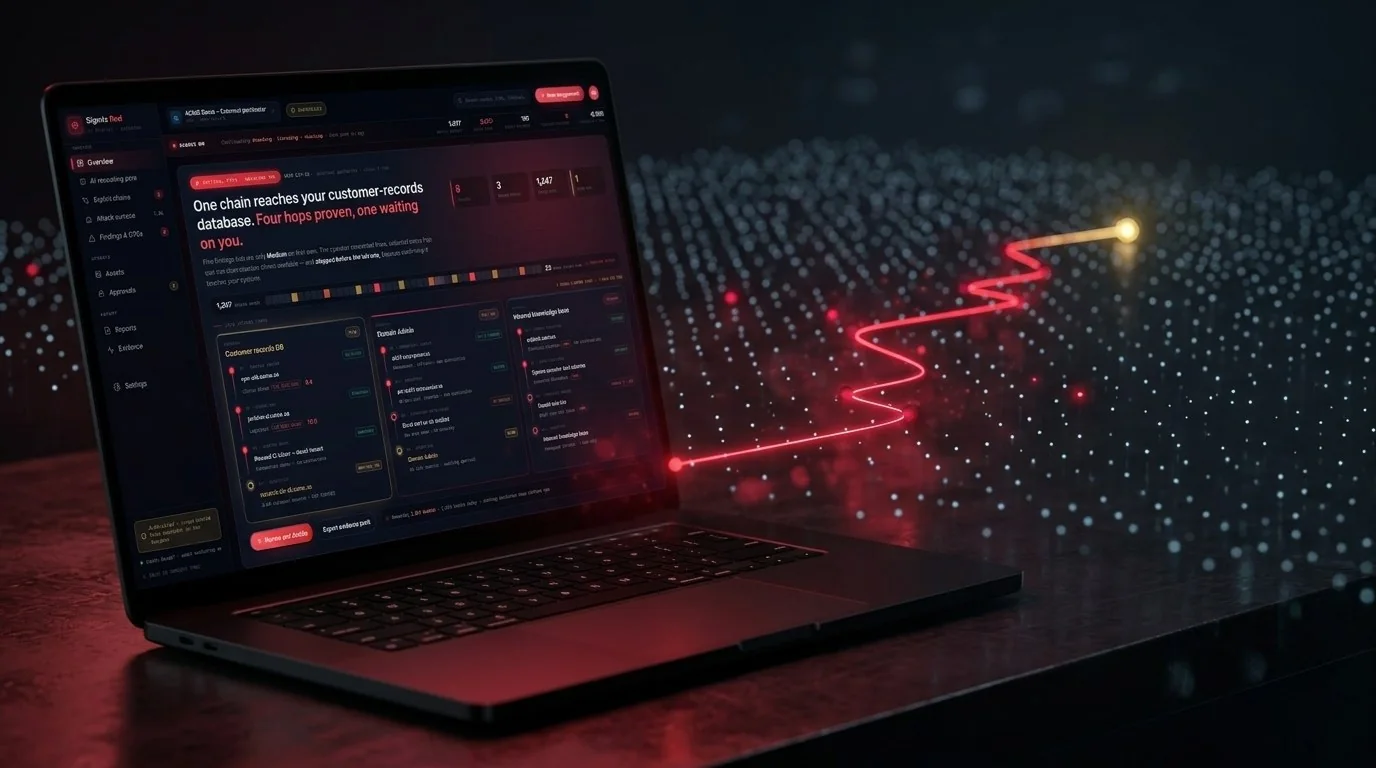
A big organisation accumulates a decade of DNS records, staging sites, acquisitions and abandoned projects. That sprawl — the dangling records, the end-of-life servers nobody owns — is what an inventory never had and a reader never sees. Inside the systems you select, Sigmix Red maps all of it and shows you what is actually reachable.
A disciplined loop — with the brakes wired in.
Every run follows the same controlled cycle. Nothing beyond the read step proceeds without an explicit approval from a person in your tenant, and every action the software takes is written to a tamper-evident audit record.
Select & activate
You select the systems and activate the workspace. The selection is locked; anything outside it is refused, not attempted.
Selected environmentMap what you selected
The software maps only what you selected, building a live model of records, names, services and how they relate — read-only.
Connect & rank
It connects related findings and ranks them, by how close each path gets to something you actually care about.
Hold for approval
Further checks wait for a person in your tenant. Least-intrusive by default; nothing destructive runs, and no data is copied out.
Tenant approval gateResult in the workspace
The result stays in the workspace: what it found, the steps, and the suggested fix — in plain language, routed to the right owner.
Run it again
When you change the environment, you run it again — so the picture is never stale. When a fix ships, Red re-checks it.
One workspace across the systems you select.
Described by outcome, not method. Inside the systems your tenant selects, the software reads across the layers that matter and relates what it finds.
Internet-facing systems
Finds the internet-facing records and services inside your selection — including the ones nobody remembered — and re-reads them when you run it again.
Web & application logic
Reasons about how your apps actually behave — access control, business logic and authentication flaws that signature scanners walk past.
Identity & cloud posture
Maps over-privileged roles, stale keys and risky trust relationships, then shows which ones actually open a path — not just a long list.
One screen your security team actually reads.
Severity at a glance, the paths that matter, and a live view of what the software is doing right now — including anything waiting on your approval.
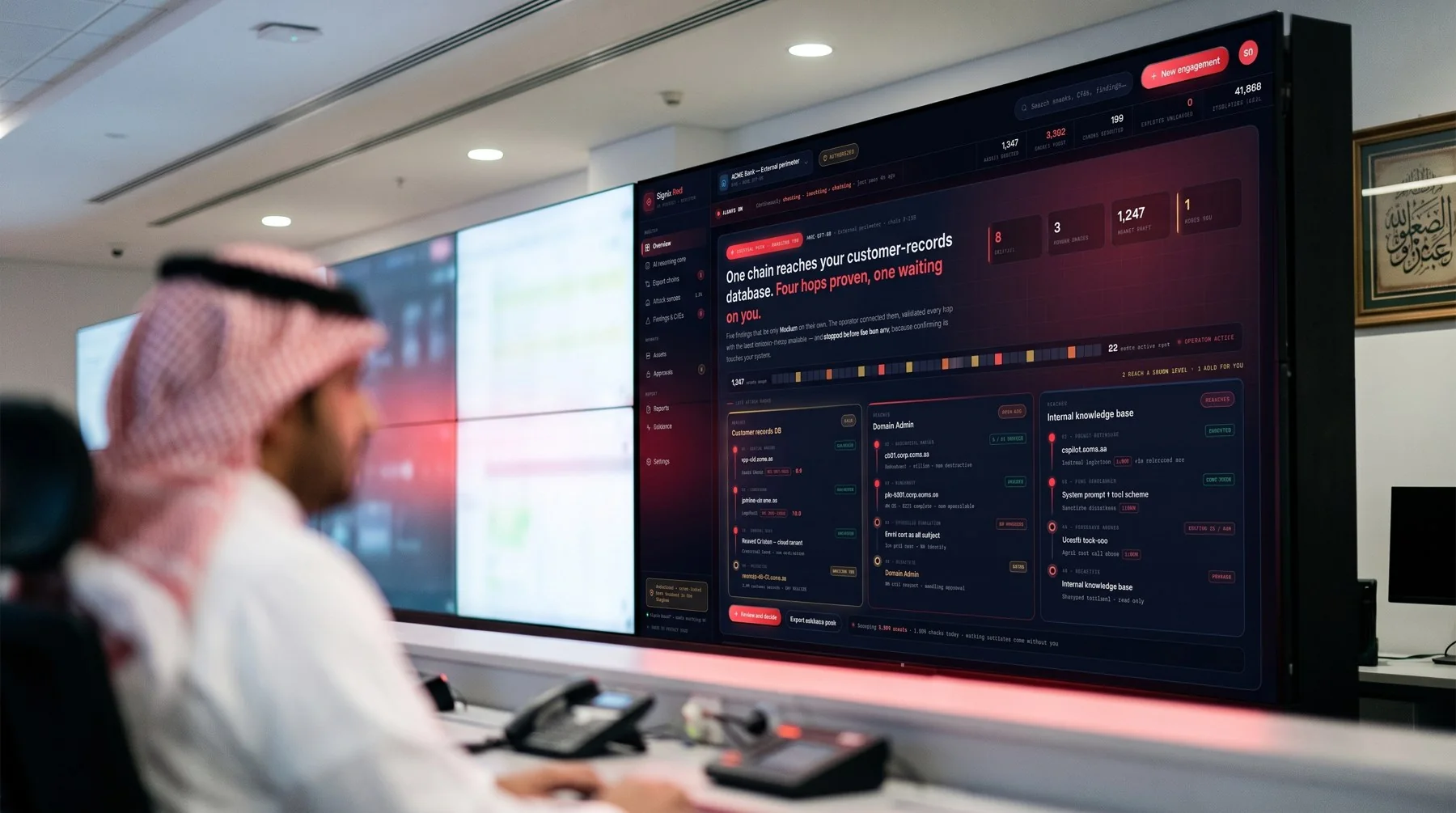
Powerful because you hold the controls.
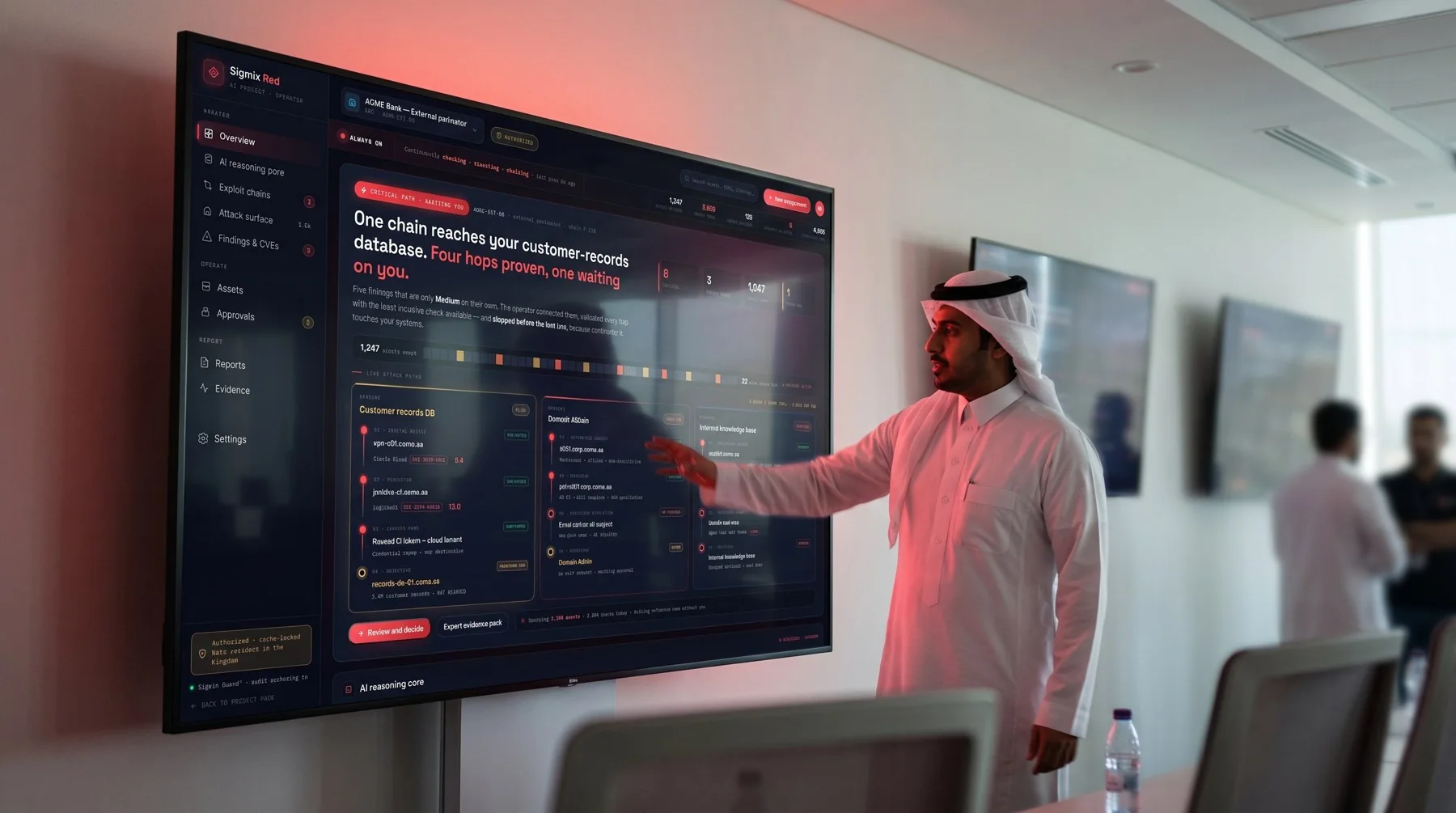
Sigmix Red only ever reads the systems your tenant selected.
It is hosted software licensed to your organisation. The systems it reads are the ones your admin selects; the job starts when someone in your tenant activates it, and stops when they stop it. Selection, approval and oversight are enforced by the product, not just promised in a contract.
Deploy it the way your rules require.
Sigmix Red fits your security posture, not the other way around — a sealed appliance in your own building, an in-Kingdom managed cloud, or governed by Sigmix Guard™. Wherever it runs, your environment, results and evidence stay under your control.
On a sealed appliance in your building
Red runs on a sealed Sigmix appliance inside your data centre. Results stay there.
Results stay in your environmentHosted in-Kingdom
Prefer managed? Run Red in an in-Kingdom, data-resident environment — same software, Saudi compute.
Resident in the KingdomUnder Sigmix Guard™
Every action is written to an audit record through Sigmix Guard — the same independent enforcement layer that governs the rest of the platform.
Tamper-evident auditWatch it map, connect and hold.
A short walkthrough: the software maps a selected environment, connects a path, and holds at the approval gate. Prefer to read? Take the brochure to your team — bilingual, 20 pages.
Activate Sigmix Red on systems you select.
Open a workspace, or talk to us about deployment.
Hosted software. Sigmix Red is hosted software. The client selects the systems, activates the job, and can stop it. Sigmix hosts and supports the software. Sigmix staff do not select systems and do not start jobs. The software reads only the systems the client's tenant has selected, holds anything beyond the read step for an approval signed inside that tenant, and does not run destructive operations by default. Screens shown on this page are design mockups with illustrative data and do not depict any real customer, environment or finding.